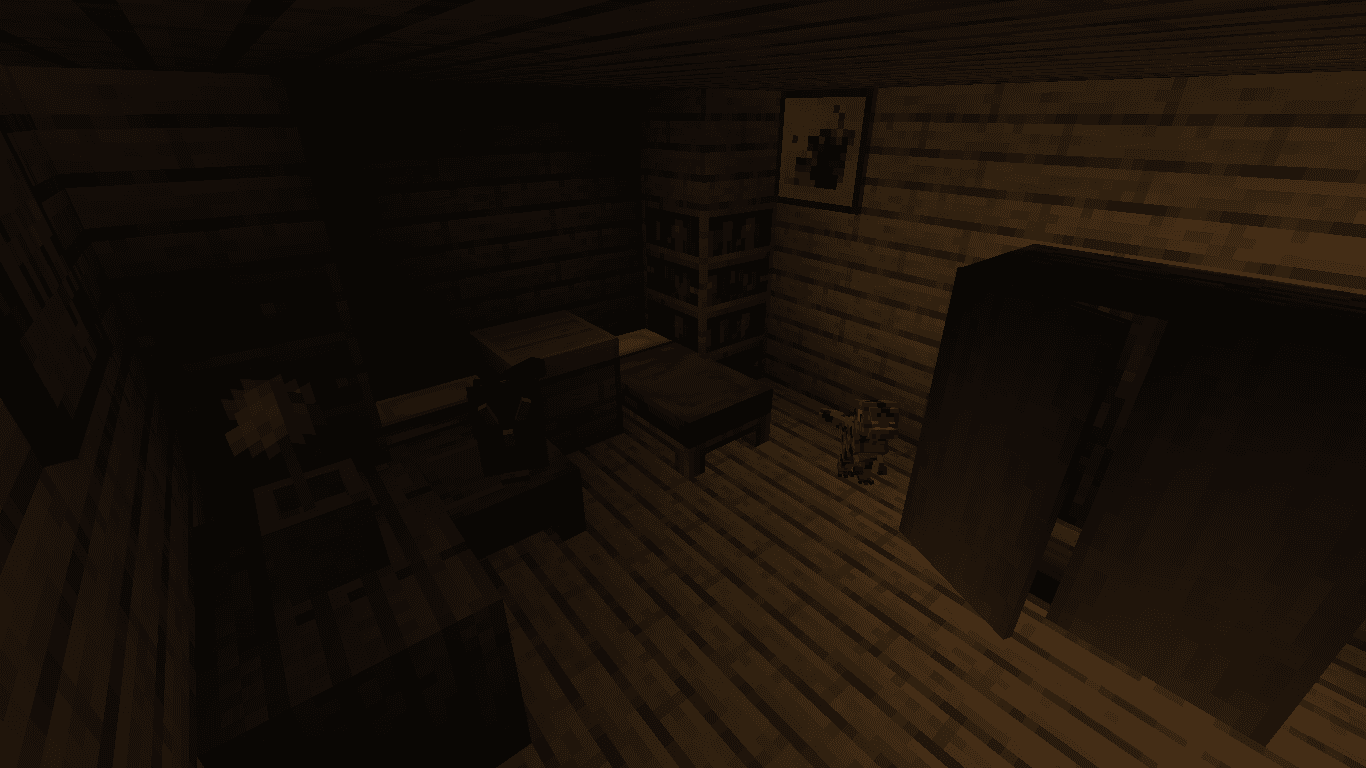
The official remake of the most popular FNaW installment, survive 5 nights at the Restaurant at William's Dinofunpark from 12AM to 6AM and keep the animatronics in good working order before Christmas.
It's December 20th 1999, just a few days before Christmas, a Christmas party was planned and William's Dinofunpark has recently replaced the mascot staff with animatronics! But there is something wrong with them, during the night they are acting strange... Therefore, a new security guard is needed! Your job is to provide security during the night shift, therefore you will spend 5 nights from 12AM to 6AM.
Welcome back to William's Dinofunpark!
Spend your nights with us working as a security guard, looking after the famous William's Dinofunpark Restaurant!
During your shift you'll get to work hard with our beloved mascots who are now robots instead of employees in suits: William the T-Rex, Colton the Raptor, Lucy the Stegosaurus and Leopold the Triceratops! Just keep an eye out on those cameras, make sure our robot friends can safely wander around at night, prevent any damage to company property and of course that no burglars break into the building and steal something but most importantly: DON'T let anything inside your office! (trust us, you don't want them too close to you).
Features:
2.0 Update adding new content and changes:
... and much more!
What is Five Nights at William's?
Five Nights at William's is a singleplayer FNaF Horror Map Series that is
supposed to give you the same feeling as a real FNaF fan game.
FAQ
Q: Can I play this map in multiplayer?
A: No, the map is singleplayer only.
Q: Can I play this map on Bedrock Edition?
A: No, this map is only compatible with Java Edition.
Q: Do I have to play the map on a specific version?
A: Yes, you must play the map on the suggested version.
Note: The suggested version may change with future updates.
Q: I get a "Resource reload failed" message and textures won’t load. How do I fix this?
A: This is usually caused by insufficient GPU memory. The resource pack uses many high-resolution textures, so you’ll need a graphics card with enough VRAM.

 4.0
4.0